
Capacity matters when output stays predictable under pressure—locked timelines, visible progress, and controlled scale-up without delivery drift.
Your Troubles → Our solutions:
Capacity means predictable output.
Production capacity for custom plush is not a monthly number. It is the ability to keep three outcomes stable at the same time:
Capacity also includes what often gets ignored: quality consistency at scale. Speed without repeatability is not capacity—it is risk. A real capacity program keeps output stable without trading away hand-feel, shape, decoration accuracy, attachment security, or pack-out correctness as volume increases.
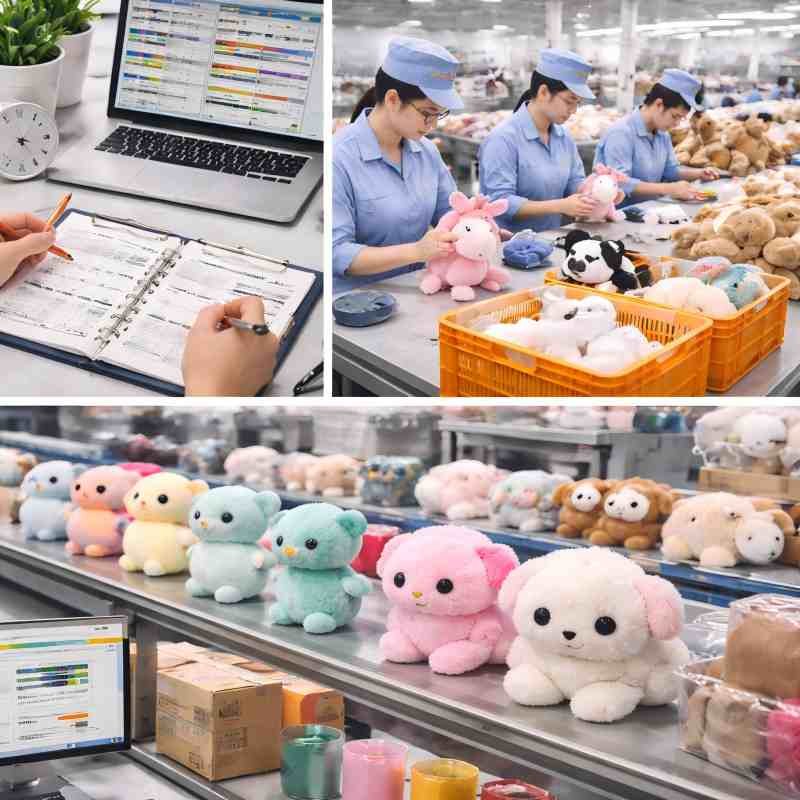
4 most common failure modes.
Capacity issues rarely show up on day one. They show up when pressure increases—multiple SKUs, changeovers, rework, and deadlines. Below are the most common buyer-visible failure modes, why they happen at the system level, and what control prevents them.
The last two weeks collapse
One SKU drags the whole program
Color/decoration/label/packaging queues
The capacity plan gets invalidated
3 important control gates to ensure production capacity
Custom Plush Capacity Planning System
Production capacity becomes real only when the plan is lockable, repeatable, and reviewable. Output is “locked” by controlling the few steps that decide the whole timeline, then tying every change back to a plan version that can be traced.
1) Bottlenecks are locked first (not last)
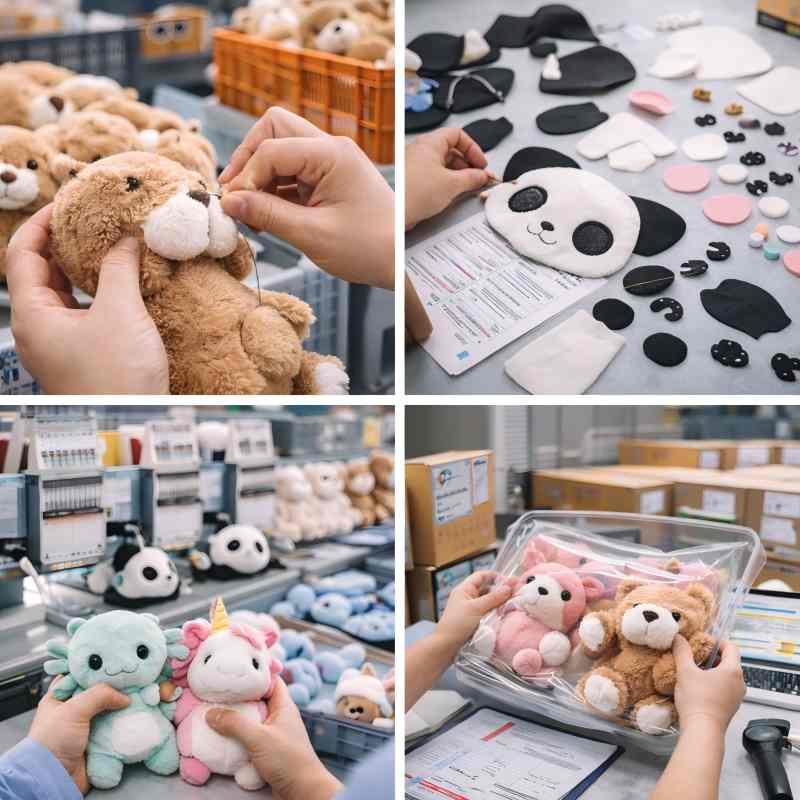
Custom plush timelines are decided by a small set of constraint steps—typically cutting, sewing, stuffing, closing/hand-finish, and assembly (plus any special decoration or packing requirements).
The planning system starts by locking these constraint steps first, so the schedule is built around what can actually limit throughput—rather than assuming every step scales equally.
2) Lines and labor are allocated at the program level
Capacity is not assigned “per SKU in isolation.” It is allocated as a program:
The output target is treated as a commitment that requires resource reservation, not an optimistic estimate.
3) Rework and change are absorbed without breaking the plan
Custom programs fail when rework is allowed to spread across the whole batch. The plan stays stable when rework is treated as a contained lane with:
This prevents a single SKU issue from turning into a program-wide delay.
4) Plan versions are re-locked only under defined triggers
To avoid “verbal timeline drift,” plan re-locking happens only when a defined trigger occurs, such as:
When a trigger happens, the schedule is re-baselined as a new plan version—so progress and accountability stay tied to what is actually being produced.
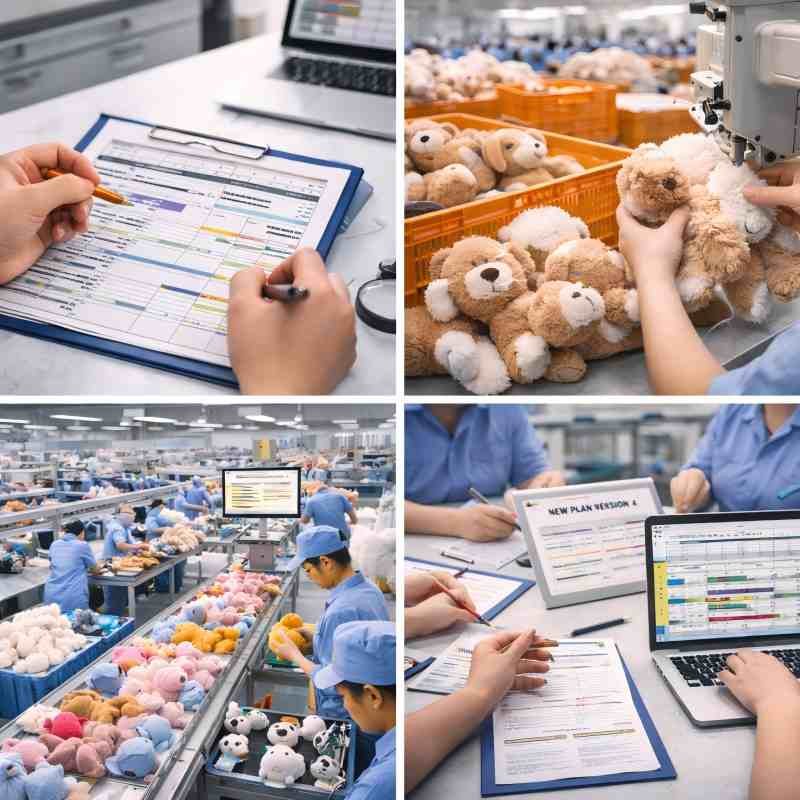
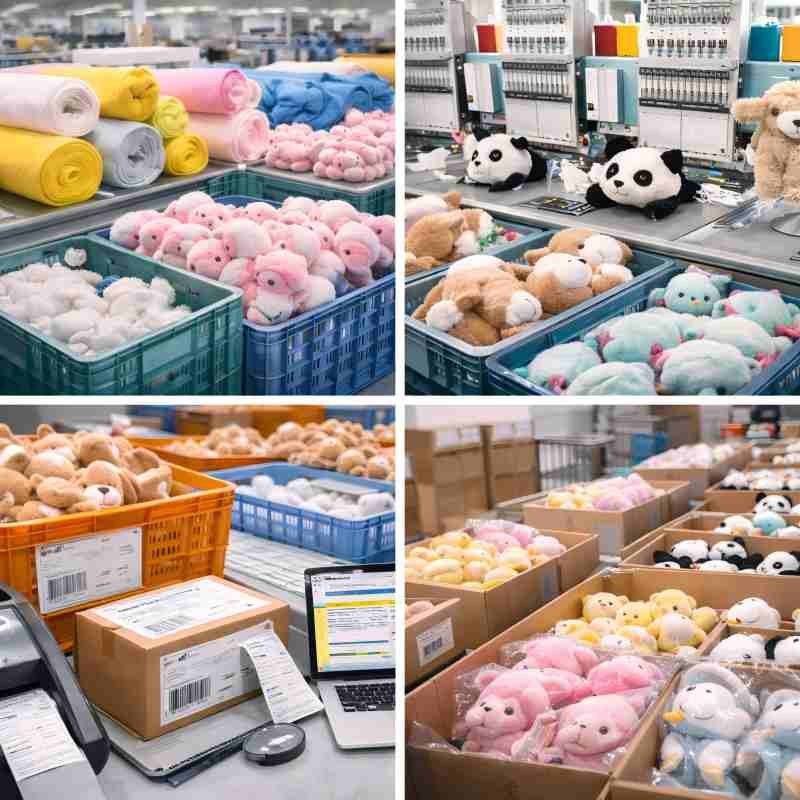
Run Multi-SKU & Variants in parallel without chaos
Most custom plush programs are not “one SKU.” They are a family: multiple characters, colorways, sizes, label versions, and packaging variants. Capacity holds only when variants are organized to reduce changeover cost, and when pack-out rules prevent mixing and mislabeling under speed.
1) Variants are grouped to minimize changeovers
Grouping is built around what actually consumes time and creates risk:
This keeps throughput stable because the program runs in planned blocks, not random switches.
2) “Must-lock” vs “can-later” items are separated
Multi-SKU programs fail when too many details are treated as “flexible” during bulk. The system separates:
Must-lock before bulk
Can be scheduled later (without breaking the plan)
Locking the right items early prevents “small changes” from turning into program-wide delays.
3) Pack-out rules prevent parallel-program disasters
The most expensive Multi-SKU failures are buyer-visible: mixed SKUs, wrong labels, missing inserts, wrong quantity per carton. Prevention relies on clear pack-out control, especially under peak speed:
Capacity is protected when pack-out stays clean—because packing errors create rework, repacking, and missed ship windows.
Progress Visibility Before It Impacts Shipping
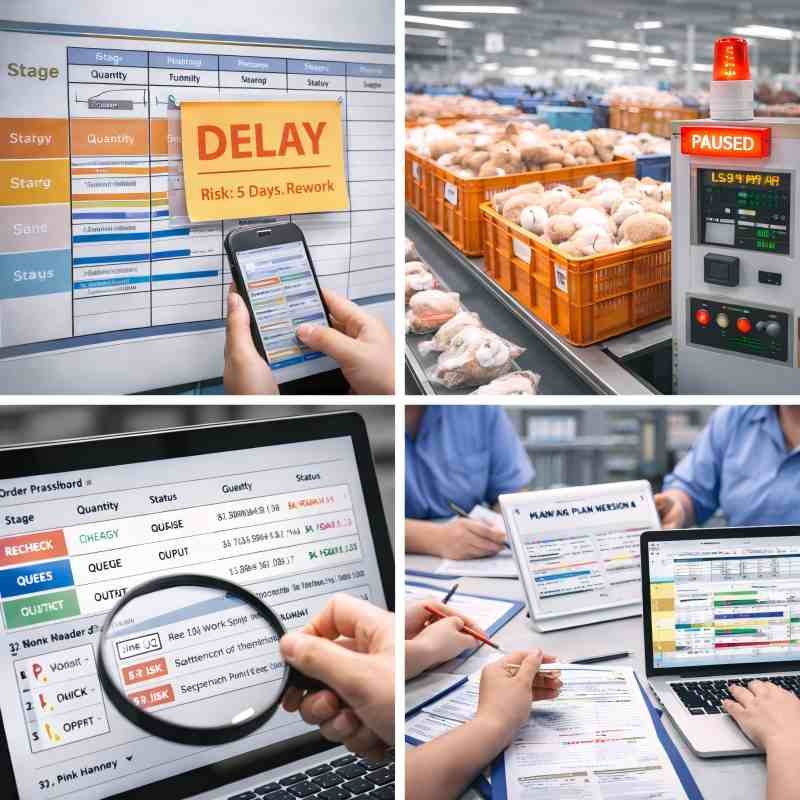
“Making progress” is not useful unless it answers three practical questions: where the order is right now, what can block the next stage, and whether the ship window is still protected. Progress visibility prevents the most common failure pattern: discovering drift only when packing is already under deadline pressure.
What visibility must show (in plain terms)
What “explainable delay” looks like
A delay becomes manageable when it is communicated as a closed loop:
This prevents the most damaging update in bulk production: “still working on it” with no measurable path back to the window.
Scale volume without batch-to-batch drift
Scaling up amplifies two risks: batch variation and rework rate. Real scale is not “faster output”—it is repeatable output that stays within the same approved expectations.
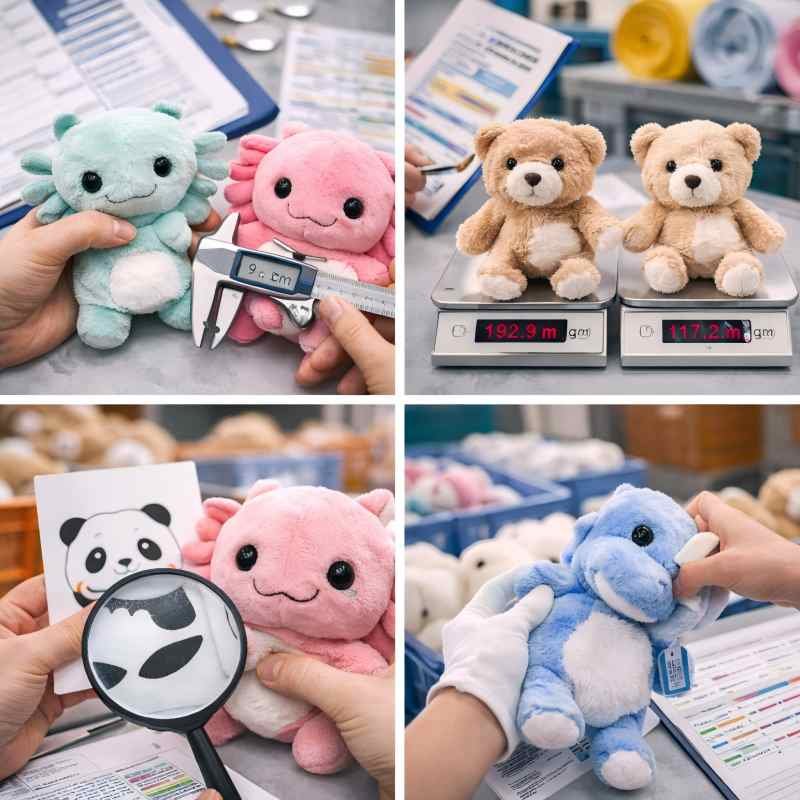
What drifts first when volume increases
How consistency stays locked while scaling
Scaling is treated as a stability test: the goal is more units with the same result, not more units with more exceptions.
Clear limits prevent false timelines
Some requirements naturally consume bottlenecks and compress timelines—no matter how experienced the production team is. Calling these out early protects launch windows by locking the right expectations and risk points before bulk begins.
What most often compresses capacity
The purpose is not to push back—it is to lock rhythm and risk early: which items must be frozen first, where buffers are needed, and which parts of the program should run in separate blocks.
Q1: Can lead time be estimated before sampling is approved?
A planning range can be mapped early based on complexity and a few assumptions (SKU count, decoration method, packaging complexity, inspection needs, and change frequency). A ship window becomes lockable only after key approvals are frozen—especially the approved reference (PP / golden sample equivalent) and pack-out version.
Q2: What’s needed to evaluate capacity fit for a program?
Capacity fit is evaluated from information that affects bottlenecks and changeovers: target size, quantity range, SKU/variant count, decoration type and placement count, accessories/assemblies, packaging mapping (label/insert/carton rules), and any required checkpoints (function checks, pack-out verification, etc.). Clear inputs prevent optimistic timelines.
Q3: Can rush orders be supported?
Sometimes. Rush feasibility depends on the current schedule and the program’s bottleneck load (manual finish, assembly complexity, decoration setup, and packing rules). The fastest way to assess options is sharing the target ship date, SKU list, and the “must-not-change” items—so a realistic plan can be confirmed or declined early.
Q4: What prevents “last two weeks” delays?
Delays are reduced by locking early decision gates (materials, decoration placements, SKU mapping, packaging version), planning around the critical path, and keeping rework from spreading across the program. The most effective protection is a visible plan that flags bottleneck queues and changeover load before packing week.
Q5: Are production updates available during bulk?
Yes. Updates are milestone-based (stage + WIP snapshot), and exceptions are reported with a clear loop: cause → impact window → corrective action → updated plan version. This avoids vague status updates and keeps ship-window risk visible.
Clear Timeline before scaling up.
Send SKU count, target ship window, and key custom details. Receive a capacity-fit checklist and a program output plan outline.

I am Lumi, our team would be happy to meet you and help to build your brand plush.